Pixelate Photo Maker2.9
Publisher Description
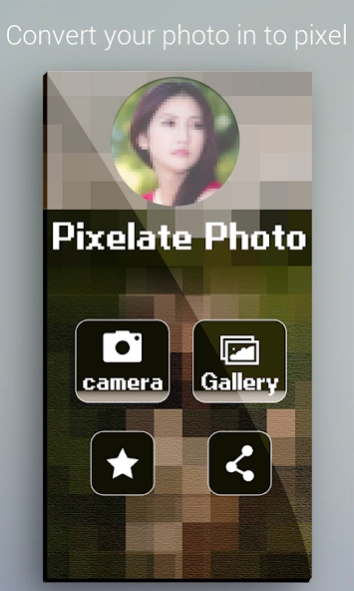
Still want those 90's pixel graphics, you're at the right place.
Pixelate Photo Maker
Still want those 90's pixel graphics, you're at the right place, download our
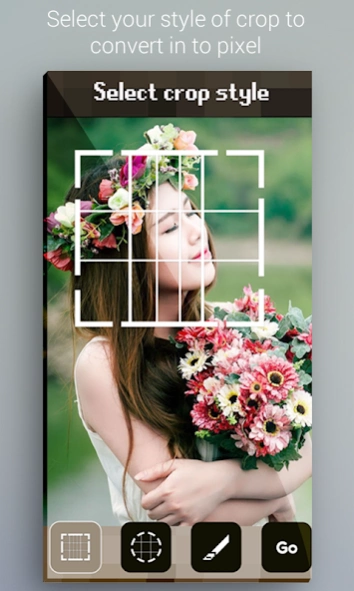
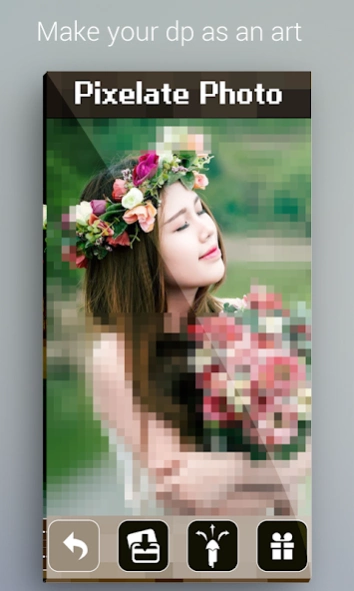
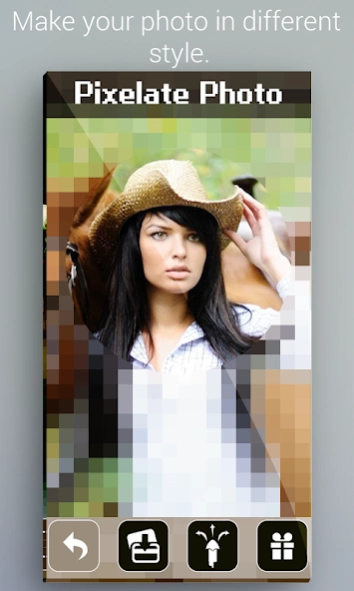
app to create pixels on your pictures. You can draw or create a rectangular or circular selection and turn them to pixel.
How to use:-
1. Open app, select an image from gallery or camera.
2. Make your selection using rectangle, circle or free form tool.
3. When you're finished selecting the part of your image, tap GO.
4. You're all set to save and share
Features:-
- clean and interactive user interface
- easy share options
- pixel-ify your selection with a click
- Light weight, fast results.
If your device is not supported or pursuing any problems with
the application, please be free to mail us.
About Pixelate Photo Maker
The company that develops Pixelate Photo Maker is Nexo Gen.. The latest version released by its developer is 2.9.
To install Pixelate Photo Maker on your Android device, just click the green Continue To App button above to start the installation process. The app is listed on our website since 2021-06-26 and was downloaded 12 times. We have already checked if the download link is safe, however for your own protection we recommend that you scan the downloaded app with your antivirus. Your antivirus may detect the Pixelate Photo Maker as malware as malware if the download link to com.nexogen.photopixel.maker is broken.
How to install Pixelate Photo Maker on your Android device:
- Click on the Continue To App button on our website. This will redirect you to Google Play.
- Once the Pixelate Photo Maker is shown in the Google Play listing of your Android device, you can start its download and installation. Tap on the Install button located below the search bar and to the right of the app icon.
- A pop-up window with the permissions required by Pixelate Photo Maker will be shown. Click on Accept to continue the process.
- Pixelate Photo Maker will be downloaded onto your device, displaying a progress. Once the download completes, the installation will start and you'll get a notification after the installation is finished.
Program Details
System requirements
Download information
Pricing
Version History
version 2.9
posted on 2021-06-26
version 1.9
posted on 2019-02-16
**_** Minor bug fixes**_**
version 1.4
posted on 2016-09-01
*_* Minor bug fixes
